


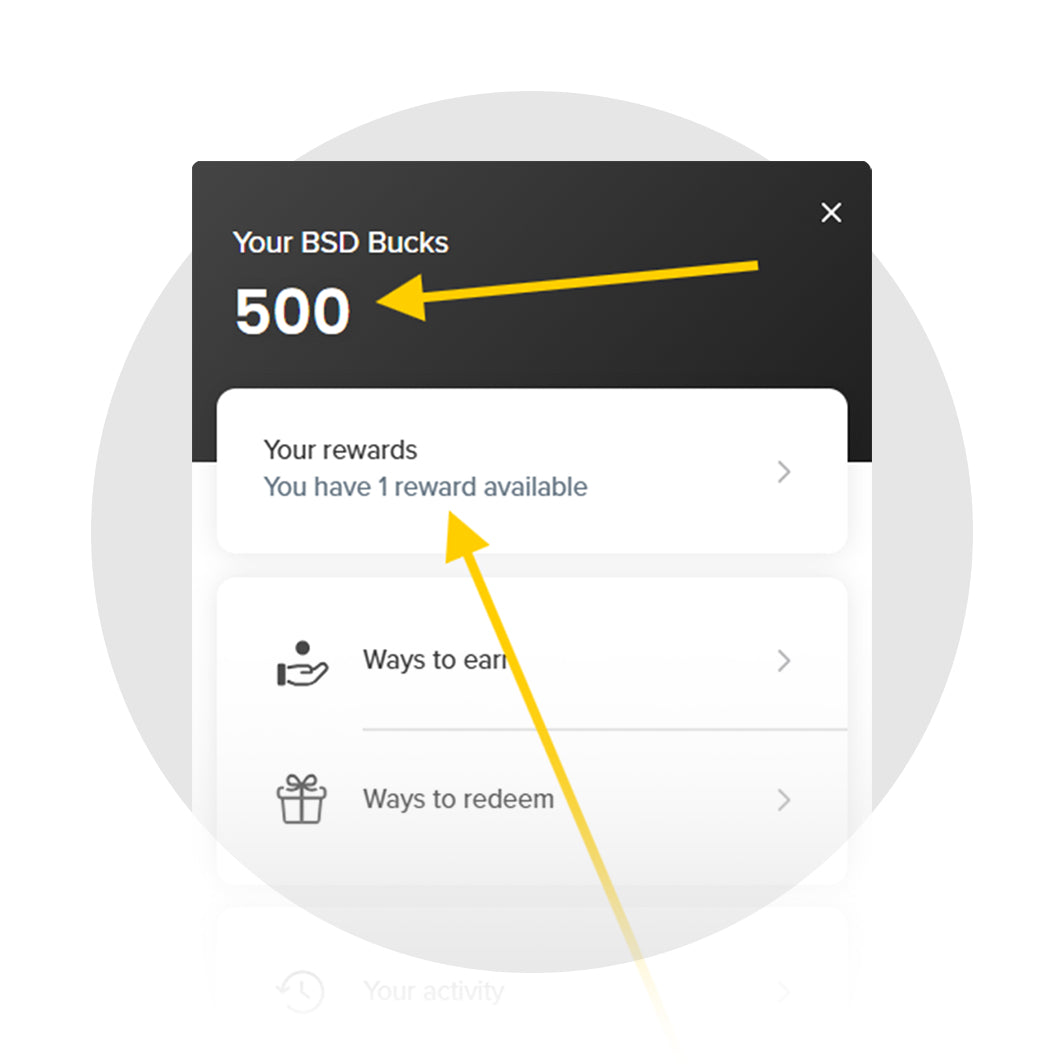
Viewing your balance and rewards
Your current BSD Bucks balance appears at the top of the panel. Any rewards you’ve already redeemed will show under “Your rewards,” so you always know what’s available to use.
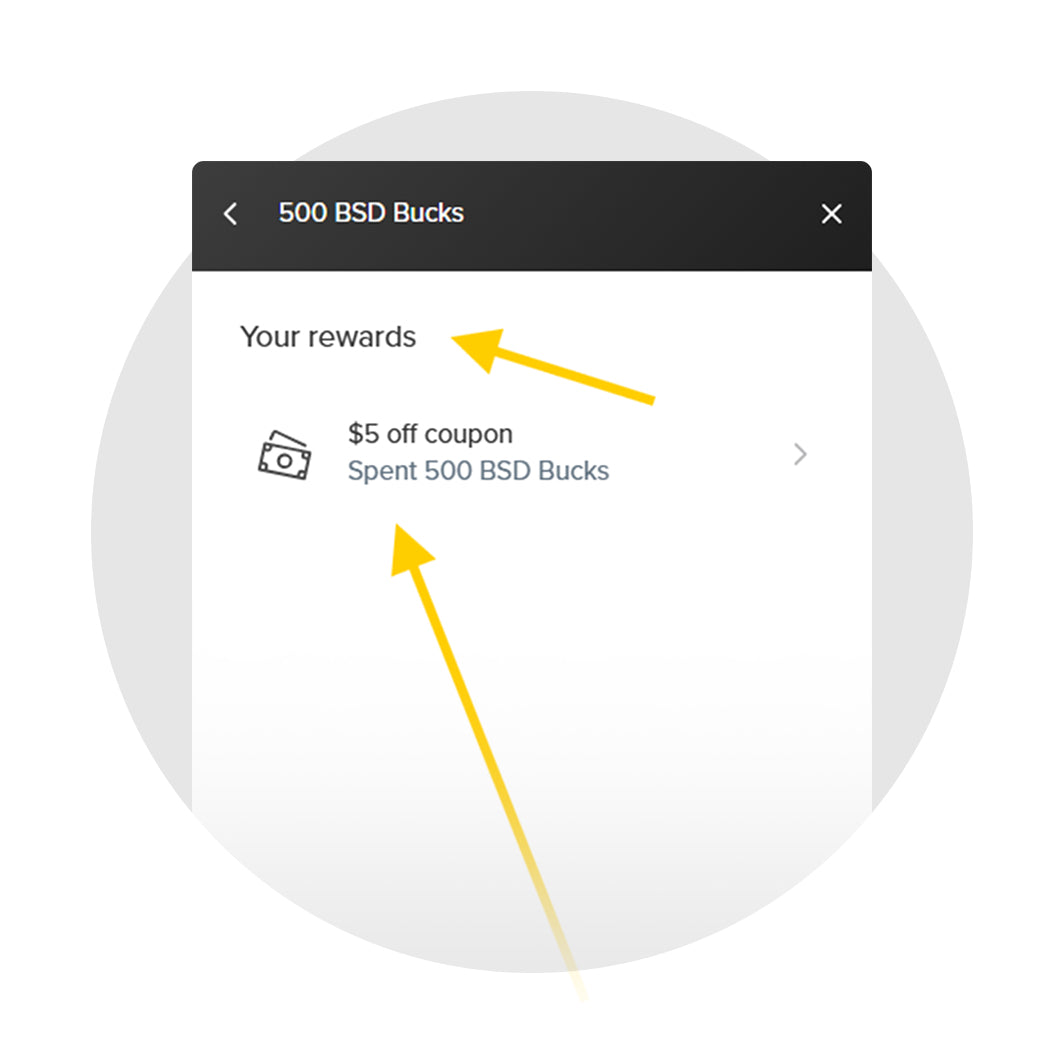
Redeeming your Bucks
When you have enough Bucks, your available reward (such as a $5 off coupon for 500 Bucks) appears in the Your rewards section. Tap it to open the reward details.
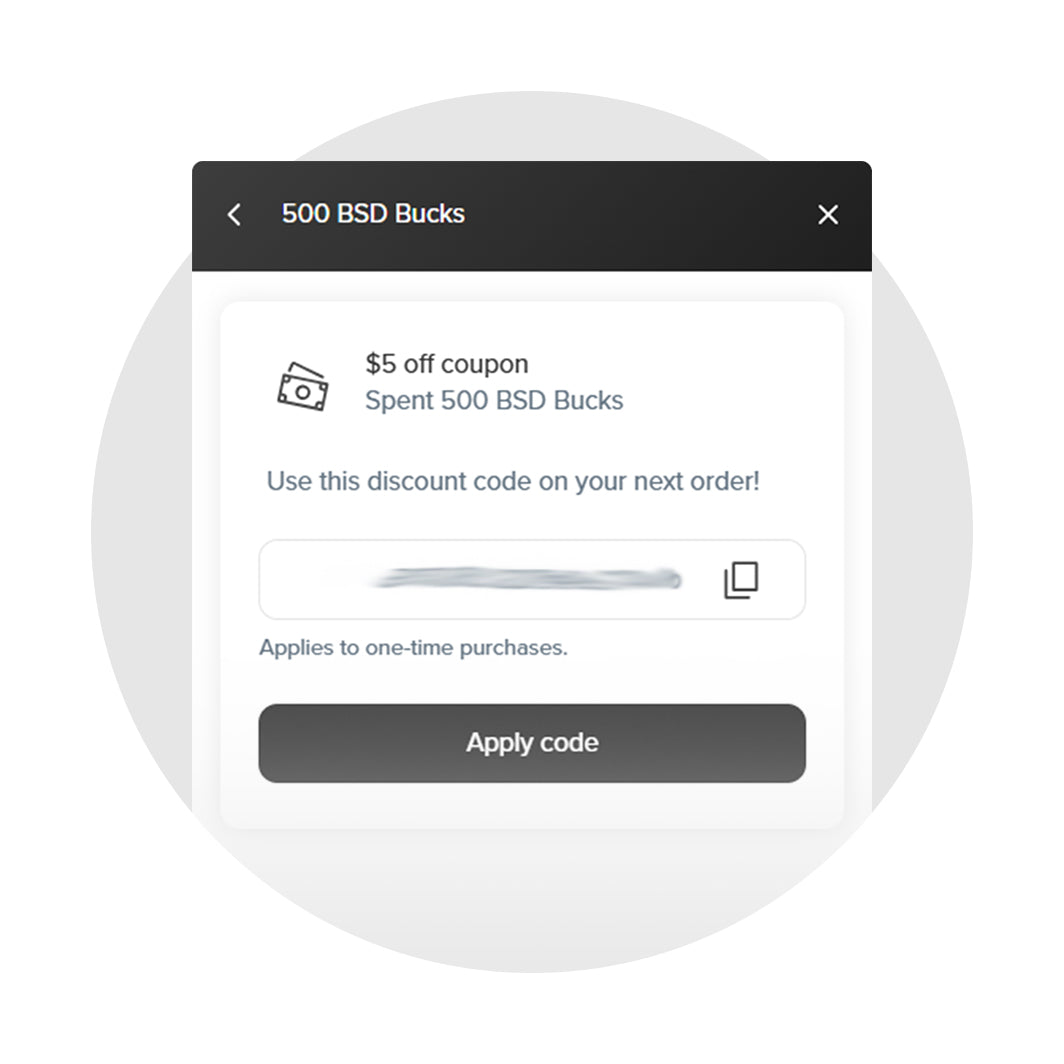
Using your discount code
After selecting a reward, you’ll see a unique discount code. Copy the code or tap “Apply code” to use it on your next order. The discount is applied automatically at checkout.